

从提供的日志信息来看,这是 XAMPP 启动时的正常输出 + MySQL(MariaDB)的提示信息,我会逐一解析并给出对应的说明 / 解决方案:
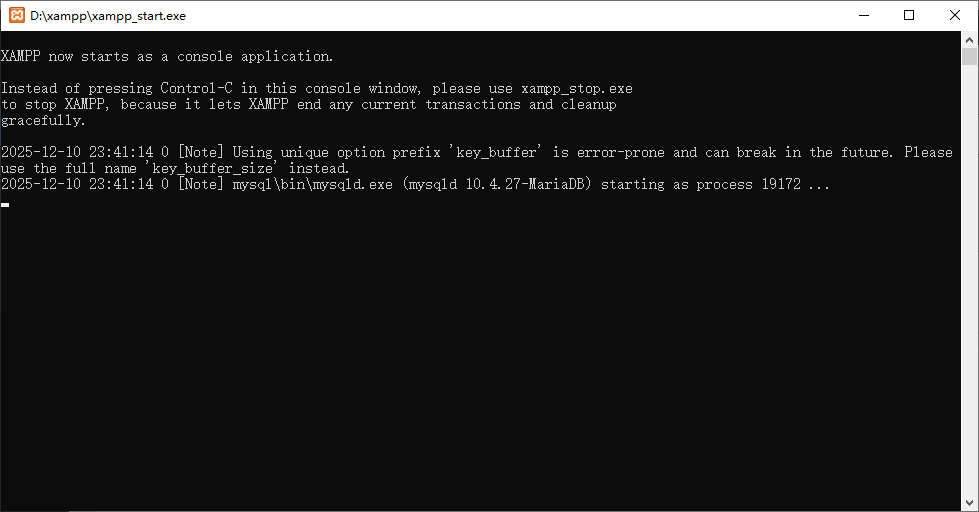
XAMPP now starts as a console application.

Instead of pressing Control-C in this console window, please use xampp_stop.exe
to stop XAMPP, because it lets XAMPP end any current transactions and cleanup
gracefully.

2025-12-10 23:41:14 0 [Note] Using unique option prefix 'key_buffer' is error-prone and can break in the future. Please use the full name 'key_buffer_size' instead.
2025-12-10 23:41:14 0 [Note] mysql\bin\mysqld.exe (mysqld 10.4.27-MariaDB) starting as process 19172 ...
一、日志核心信息解析
1. XAMPP 控制台启动提示
XAMPP now starts as a console application.
Instead of pressing Control-C in this console window, please use xampp_stop.exe to stop XAMPP...
2. MySQL(MariaDB)配置提示
2025-12-10 23:41:14 0 [Note] Using unique option prefix 'key_buffer' is error-prone and can break in the future. Please use the full name 'key_buffer_size' instead.
3. MySQL 启动成功日志
2025-12-10 23:41:14 0 [Note] mysql\bin\mysqld.exe (mysqld 10.4.27-MariaDB) starting as process 19172 ...
二、关键问题修复(可选但推荐)
1. 修复 key_buffer 简写警告
2. 正确启停 XAMPP 的方式
三、常见排查点(若启动后服务异常)
总结:
当前日志仅包含「控制台启动提醒」和「配置项简写警告」,无实际错误,MySQL 已正常启动;若需消除警告,按上述步骤修改 my.ini 即可。
